
Too many laptop tabs open and still no clear winner? Start with best overall picks, then best budget picks if you need to stay under about $750. For a persona shortcut, try students, multitaskers, family admins, creators, gamers, or entertainment.

Sumi-chan tip: stuck on RAM vs storage?
If RAM, storage, or GPU terms are confusing, take a look at our laptop buying guide.
Best overall picks
These are our two overall recommendations, not the absolute cheapest options. We recommend them for strong everyday usability, longer software support, and fewer compromises than most lower-priced laptops.
Price and availability check: estimates in this section were last verified in April 2026 and may move with retailer inventory.
Pick #1
Apple
MacBook Air 13-inch (M4)
Our all-around MacBook Air recommendation at around $950: quiet, dependable, and great for everyday school and work.
From ~$950
Top Overall
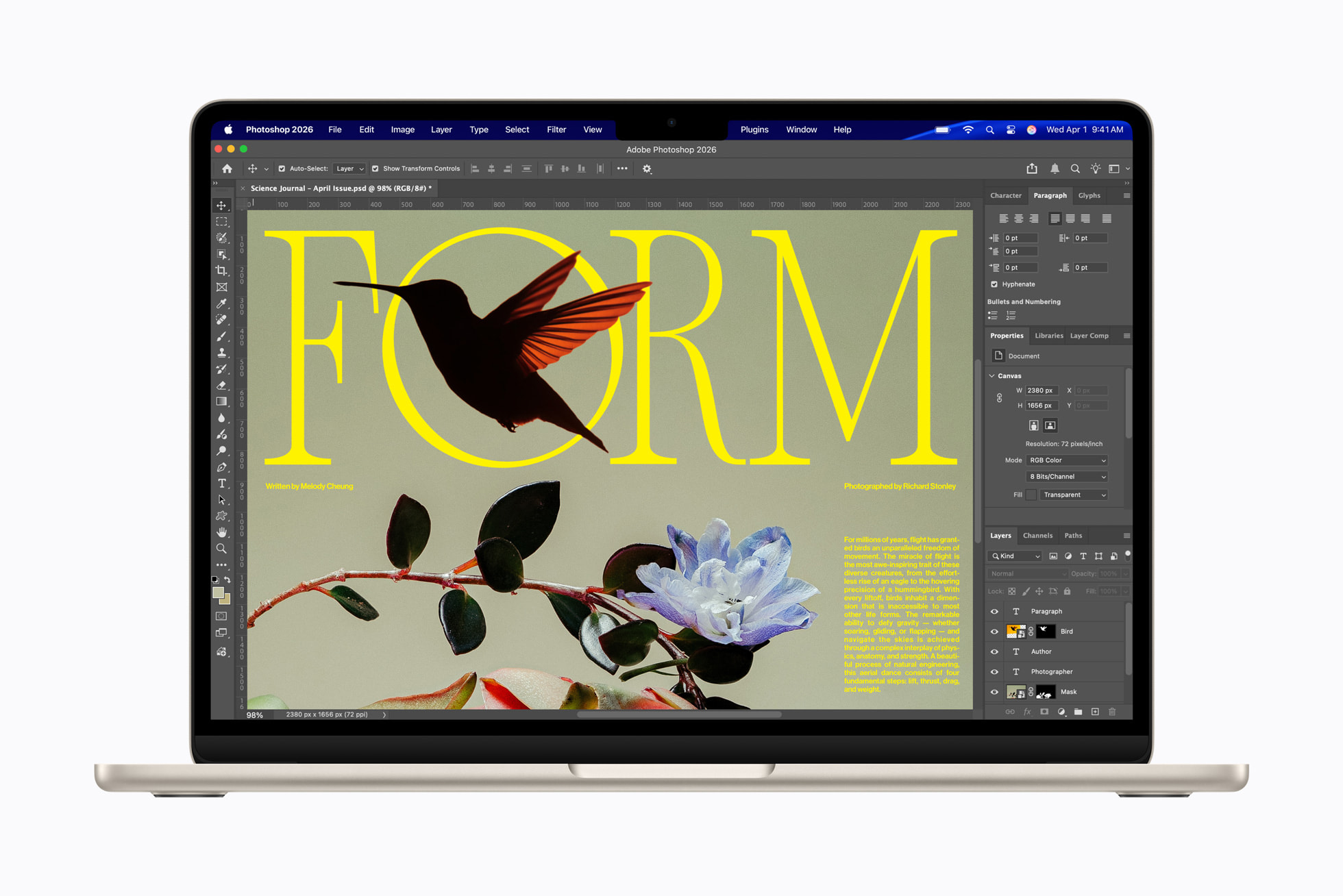
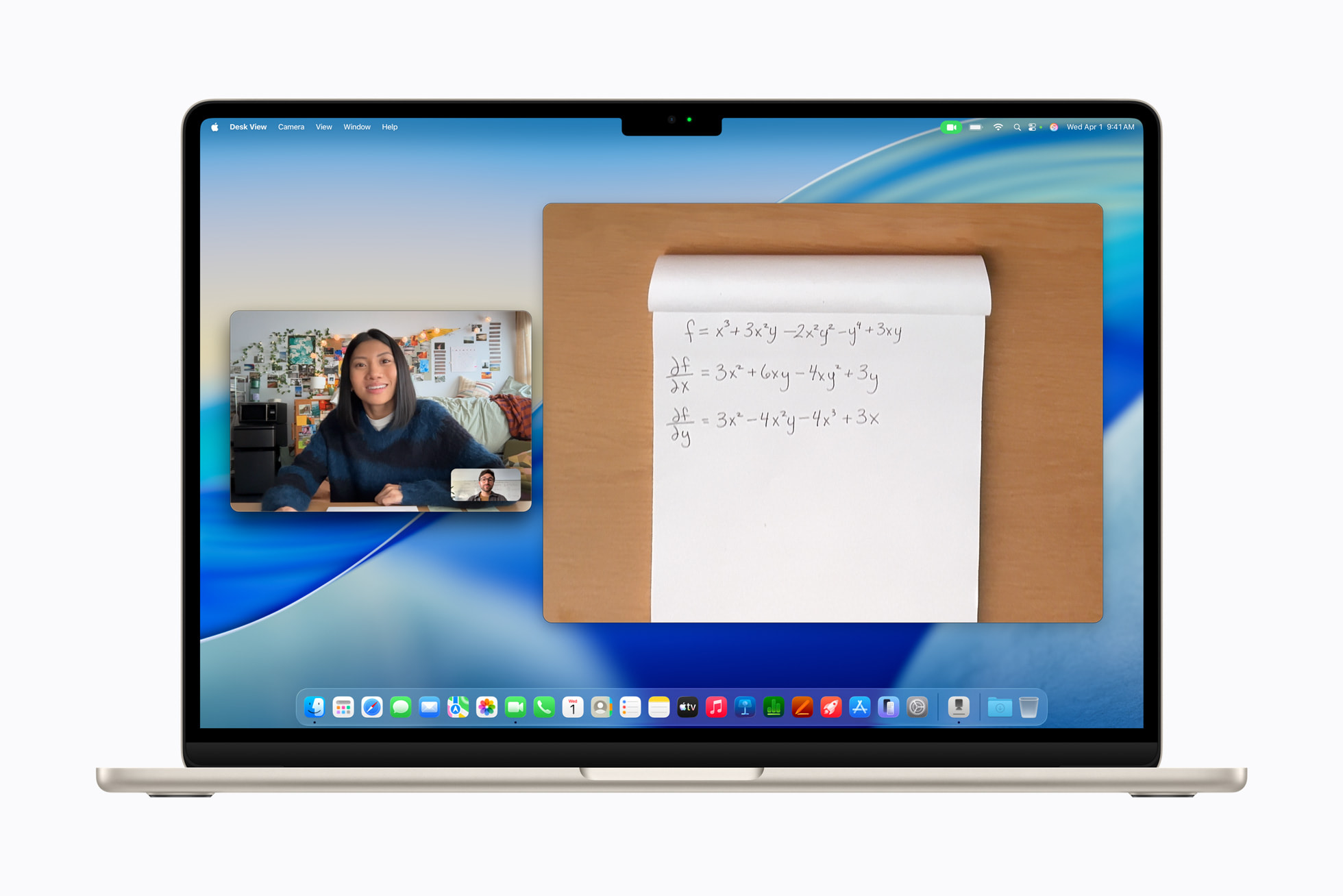
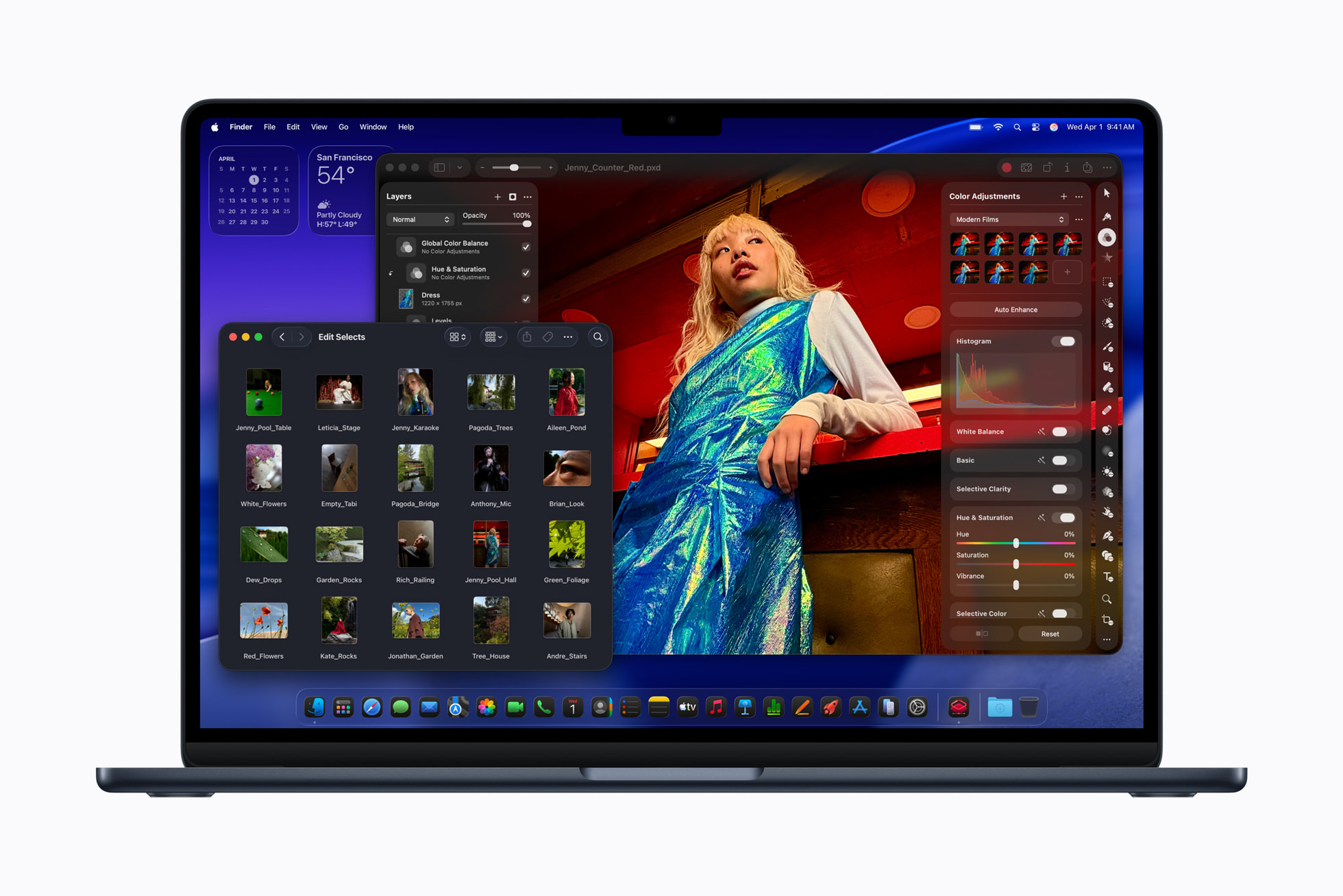
- Sweet spot: 16 GB / 512 GB (about $950). Add storage or RAM only if you already know you need it.
- Ports are tight: add a USB-C hub if you plug in a lot at once.
Caution: Skip this if you need more than two built-in ports or guaranteed user-upgradeable memory later.

Sumi-chan note: M5 is the latest if you can stretch
MacBook Air M5 is the latest generation, and in many listings you can get it by adding about $100. We still recommend M4 as the default because, for most everyday school and work tasks, M5 usually does not add enough extra value to justify the higher price.
Pick #2
Lenovo
ThinkPad T14 Gen 5
Our go-to ThinkPad T14 recommendation for serious typing days: durable feel with practical long-term ownership value.
From ~$1100
Best Keyboard Pick
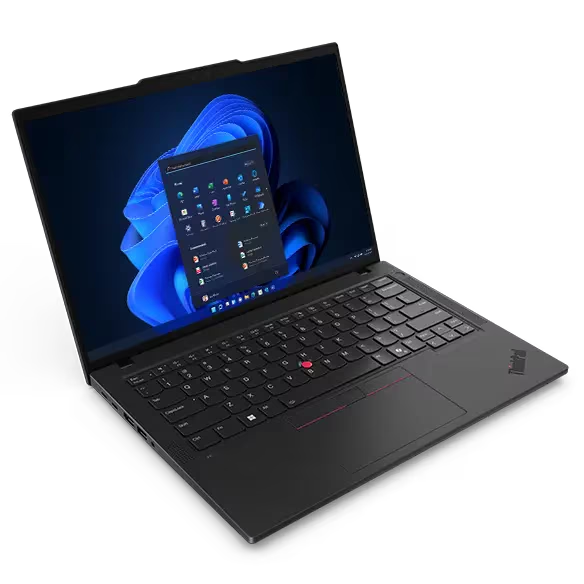
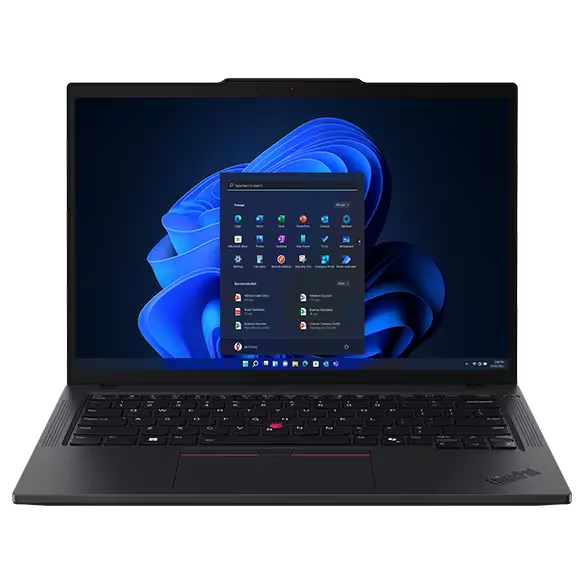
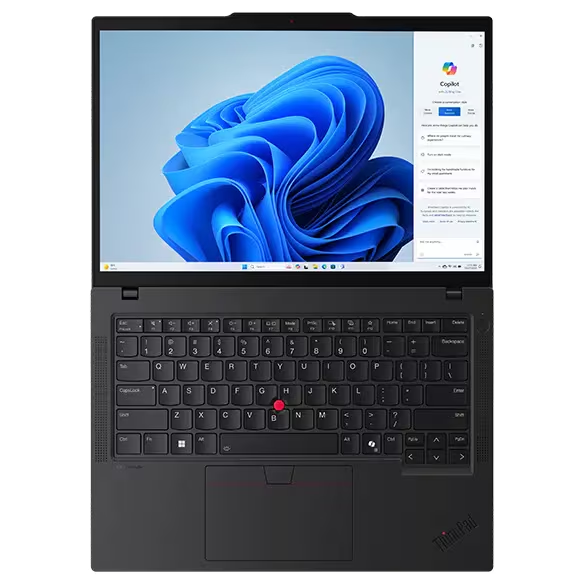
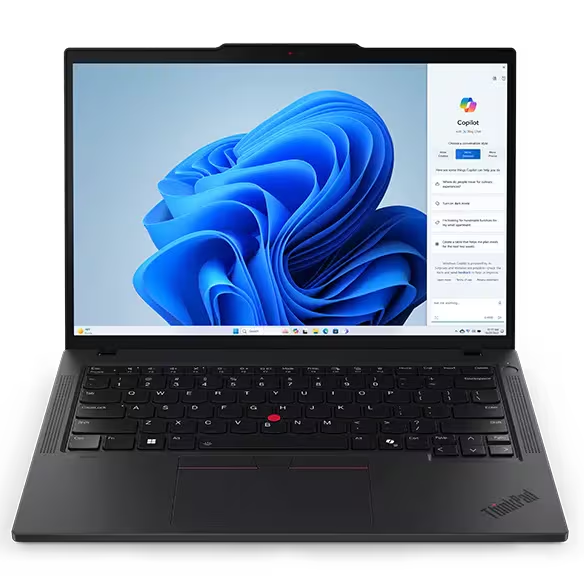
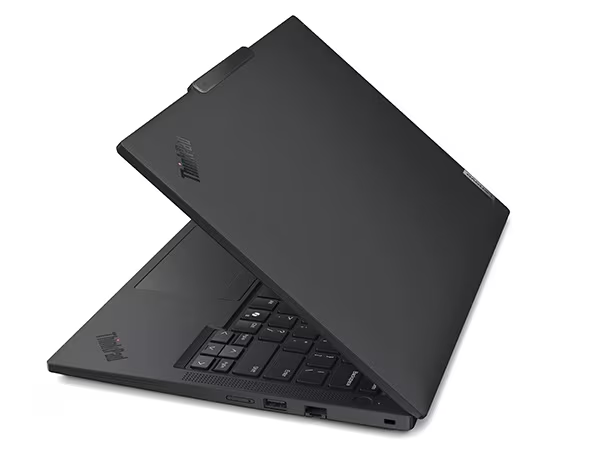
- Start here: 16 GB RAM, 512 GB SSD, Core Ultra 5 or Ryzen 5 class.
- T14 vs T14s: T14 usually wins on ports and upgrades; T14s trades thinness for flexibility.
Caution: Skip this if you want the thinnest chassis first. Also note Lenovo direct stock can be limited on T14 Gen 5 (US), so confirm reseller inventory and panel specs before checkout.
MacBook Air versus ThinkPad T14 in one glance
Use this if your decision is simply macOS versus Windows around the $1000 to $1100 range.
Best for
MacBook Air 13 (M4)
ThinkPad T14 Gen 5
Typical config
MacBook Air 13 (M4)
ThinkPad T14 Gen 5
Main tradeoff
MacBook Air 13 (M4)
ThinkPad T14 Gen 5
| Topic | MacBook Air 13 (M4) | ThinkPad T14 Gen 5 |
|---|---|---|
| Best for | Students and everyday users who want low-friction macOS. | Windows users who type a lot and value repairability. |
| Typical config | 16 GB RAM / 512 GB SSD. | Core Ultra 5 or Ryzen 5 / 16 GB RAM / 512 GB SSD. |
| Main tradeoff | Port count and upgrade flexibility are limited. | Thicker body and occasional direct-store stock issues. |
Best budget picks
Each recommendation below targets a configuration under about $750 at typical US retail. Expect more tradeoffs than the overall recommendations above.
Price and availability check: budget ranges below were last verified in April 2026 and can shift quickly with promotions.
Pick #1
Apple
MacBook Neo 13-inch
The budget MacBook Neo pick that still feels like a real MacBook, especially for light daily workflows and lower upfront spend.
$600-$700
Best Budget Mac
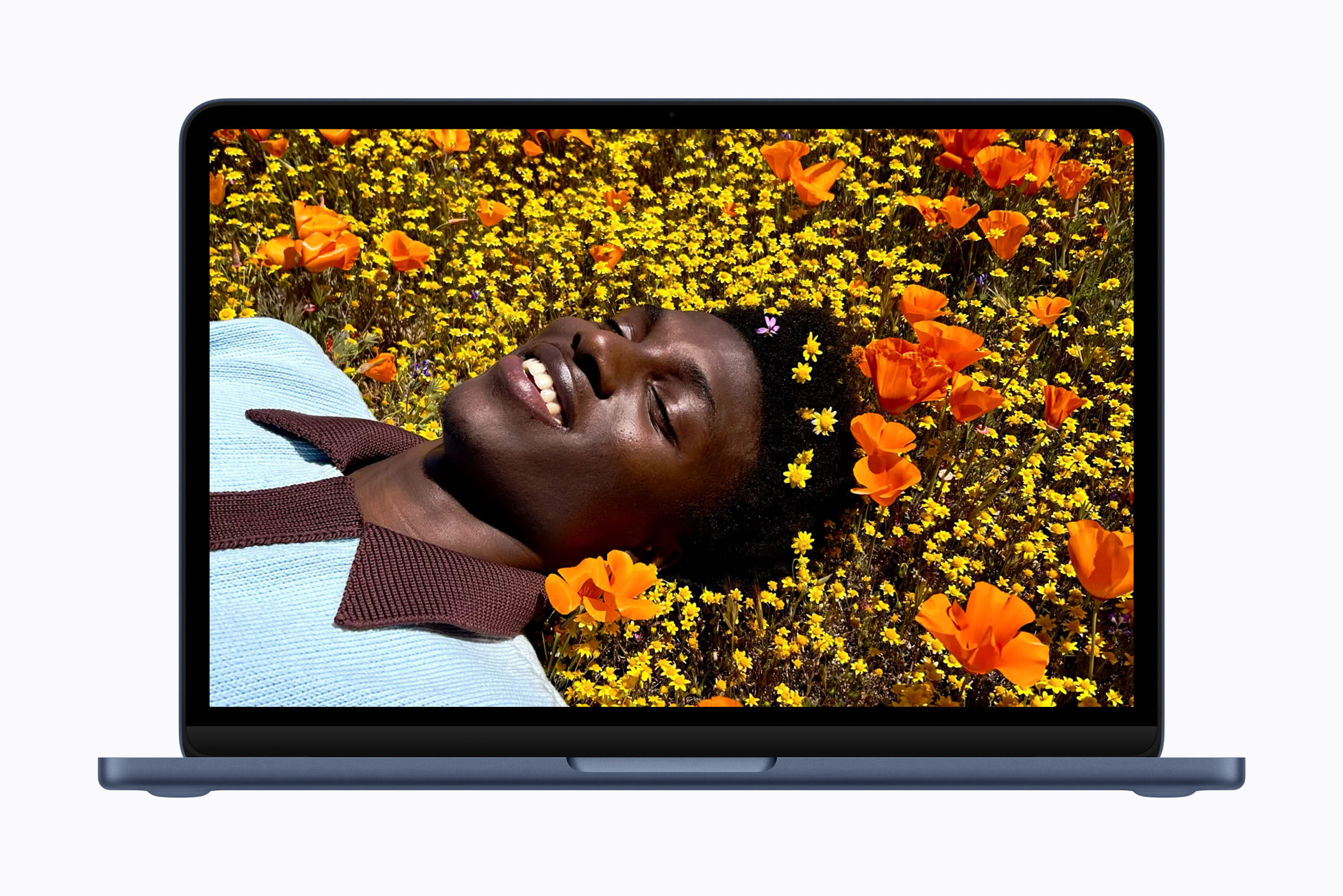
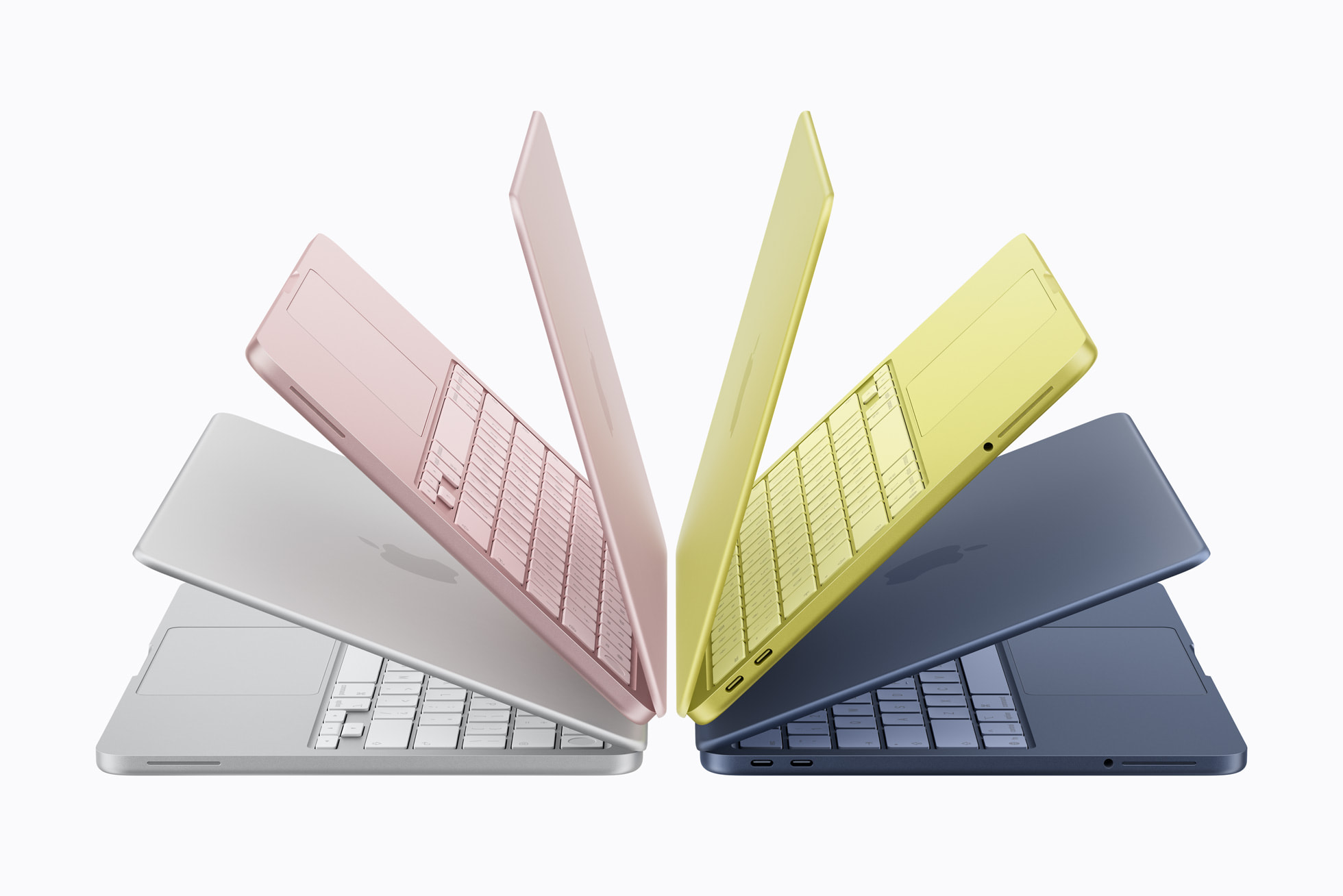
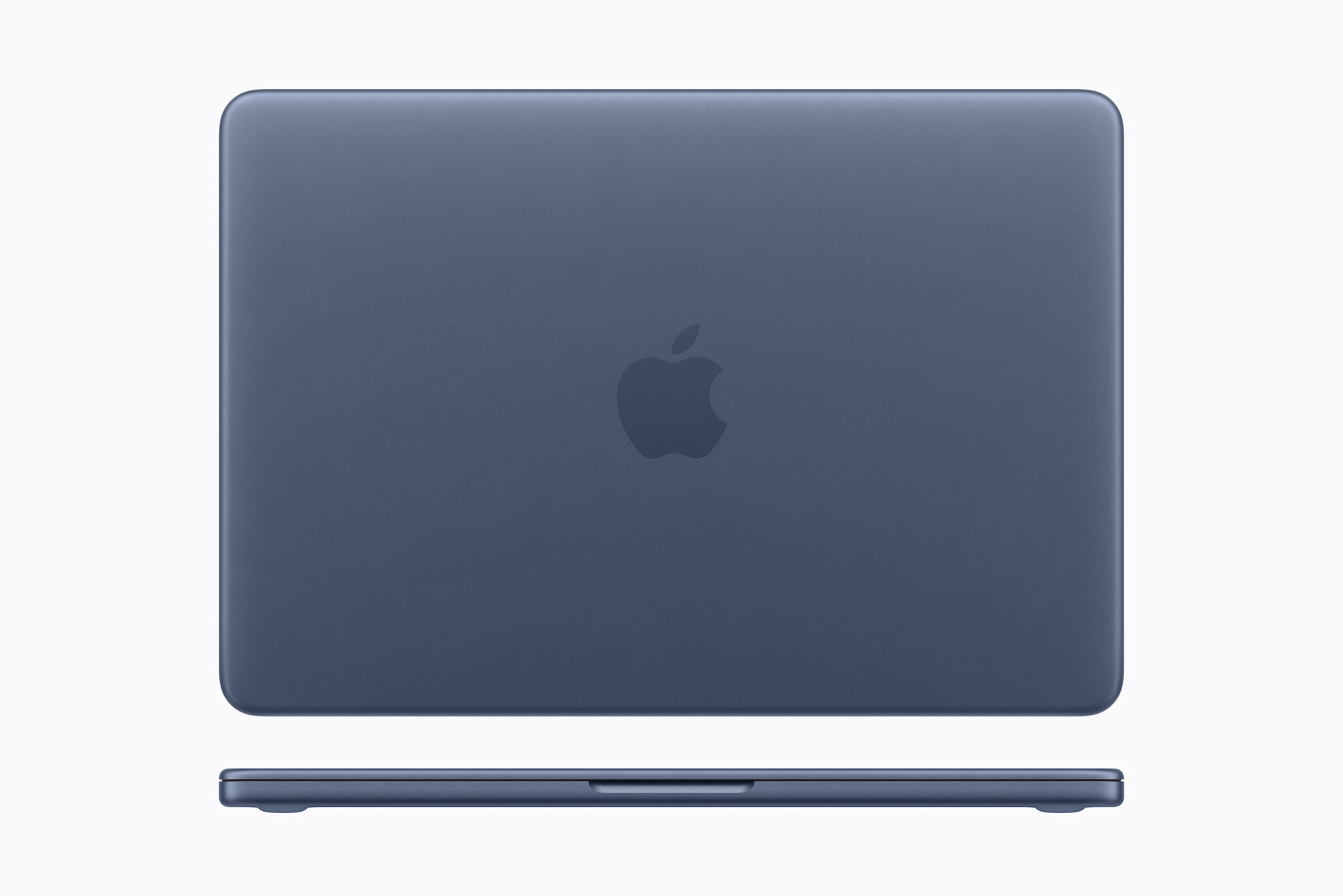

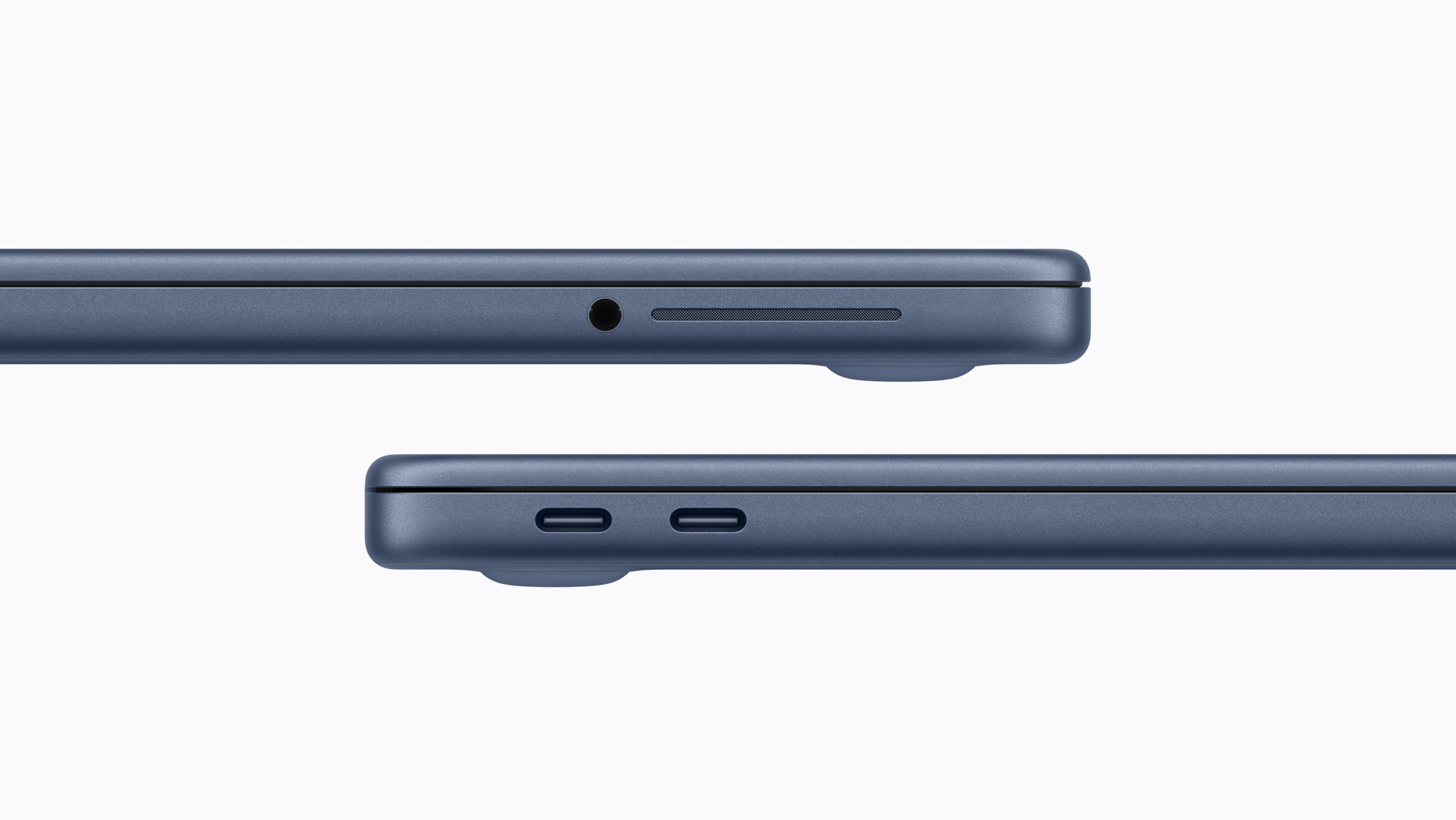
- Wirecutter frames Neo as the budget Mac lane; Air stays the safer long-run upgrade.
- The 512 GB model is better for people with higher storage needs and costs about $100 more (about $700 total). Memory is fixed at 8 GB on Neo, so move up to a higher-end MacBook if memory will be your bottleneck.
Caution: Skip this if your daily workload clearly needs more than 8 GB memory.
Pick #2
Acer
Aspire 3 (A315-24P)
The no-nonsense Aspire 3 budget Windows choice that covers homework, email, and daily admin without overspending.
~$350
Best Budget Windows
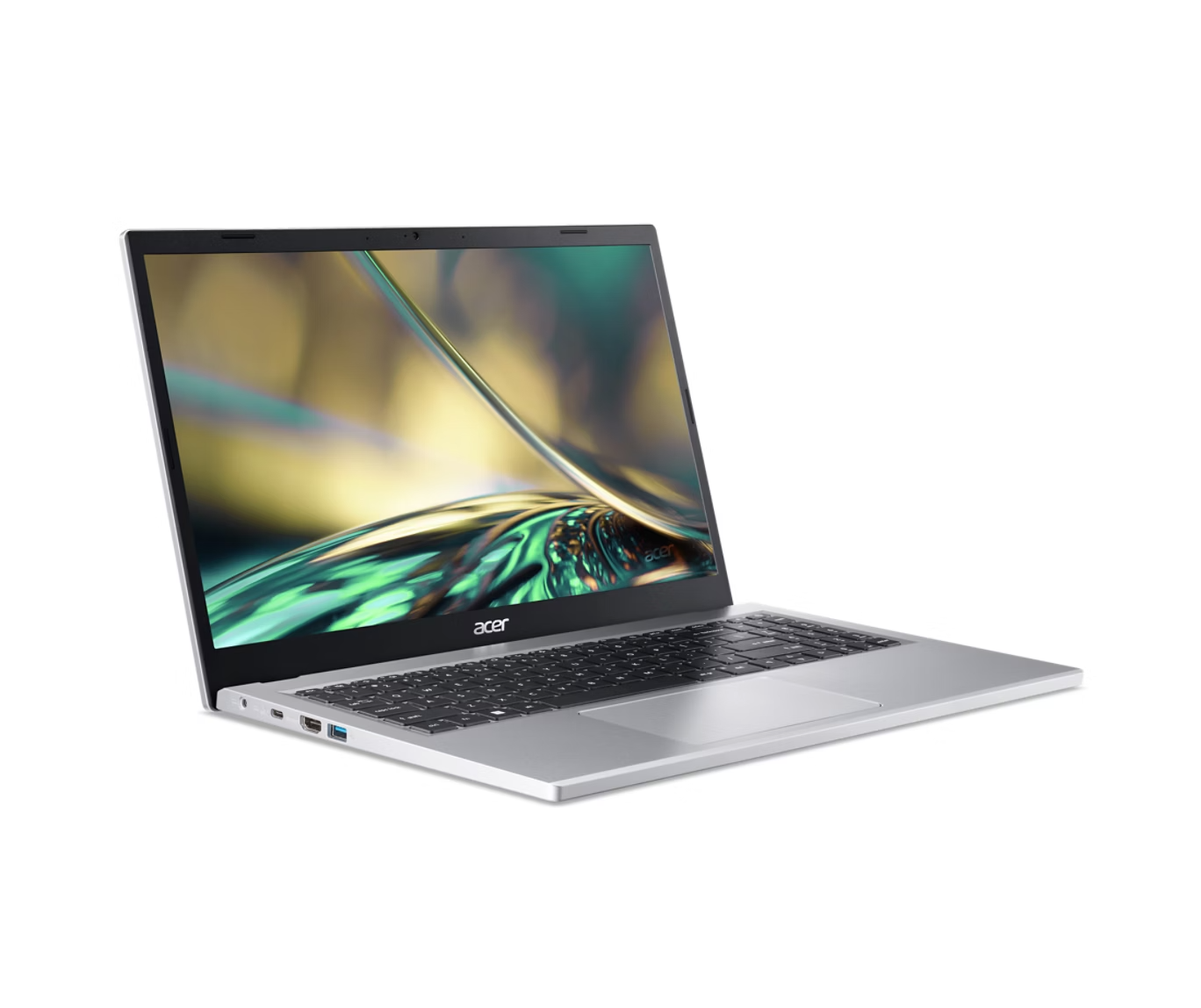
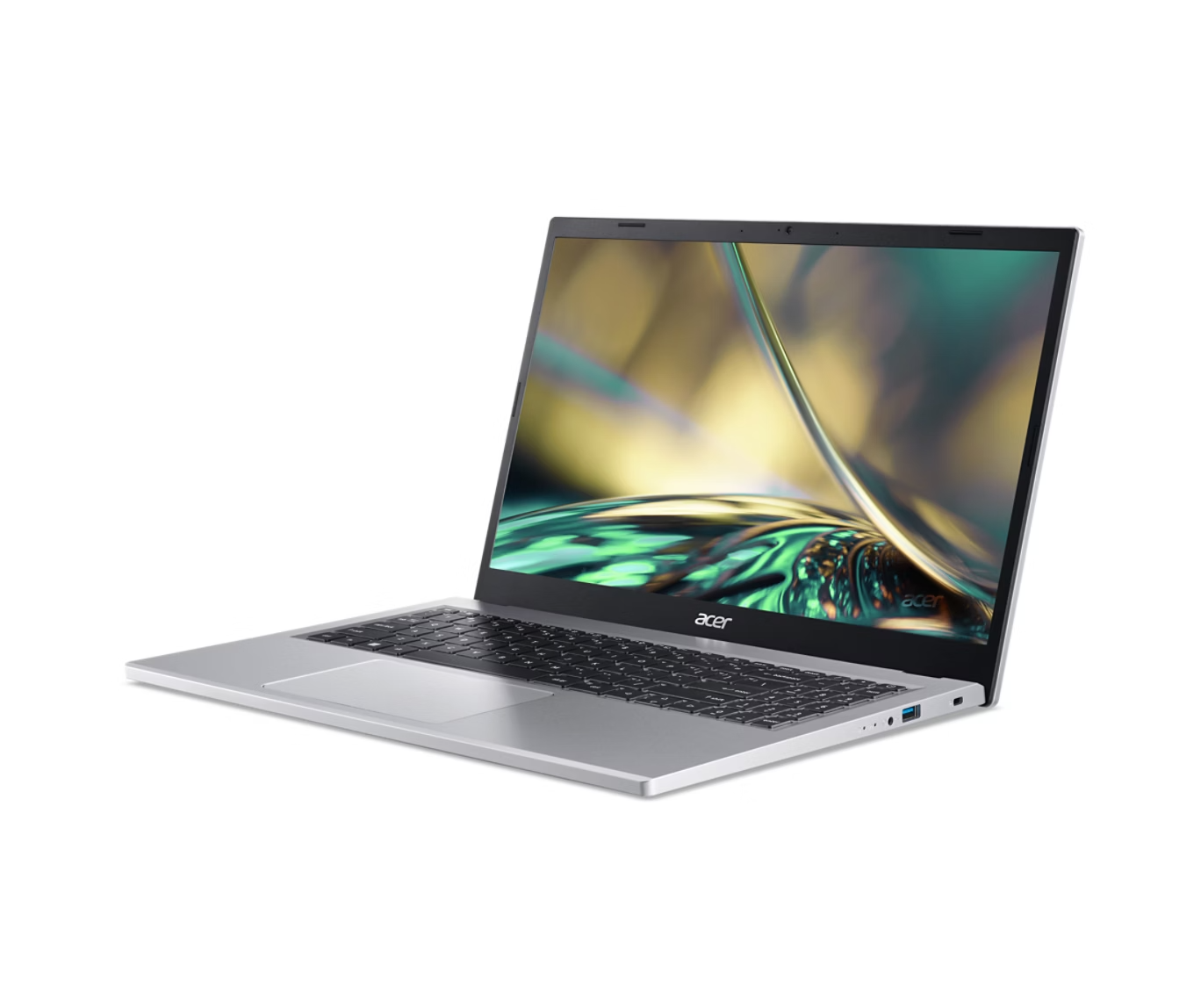
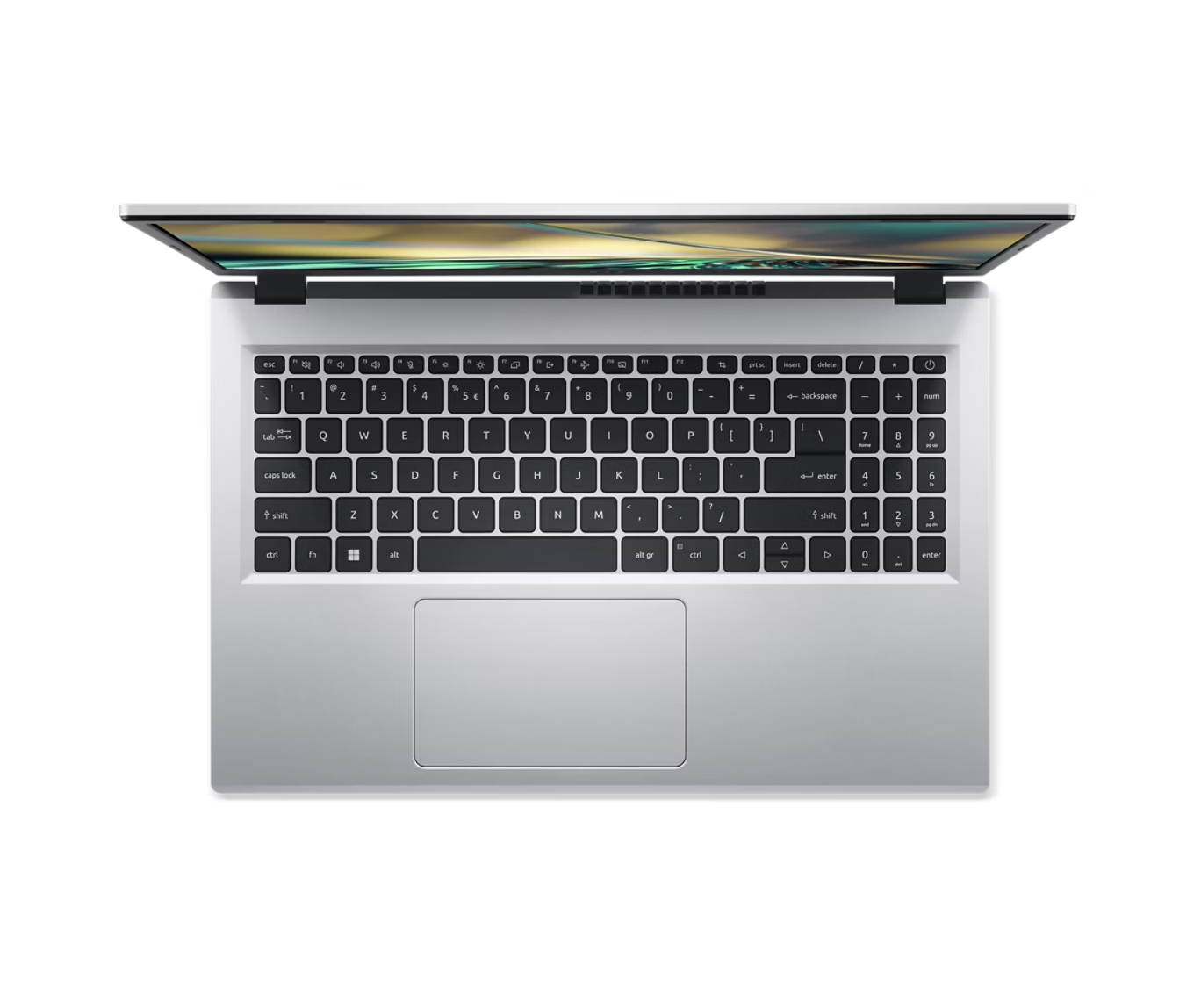
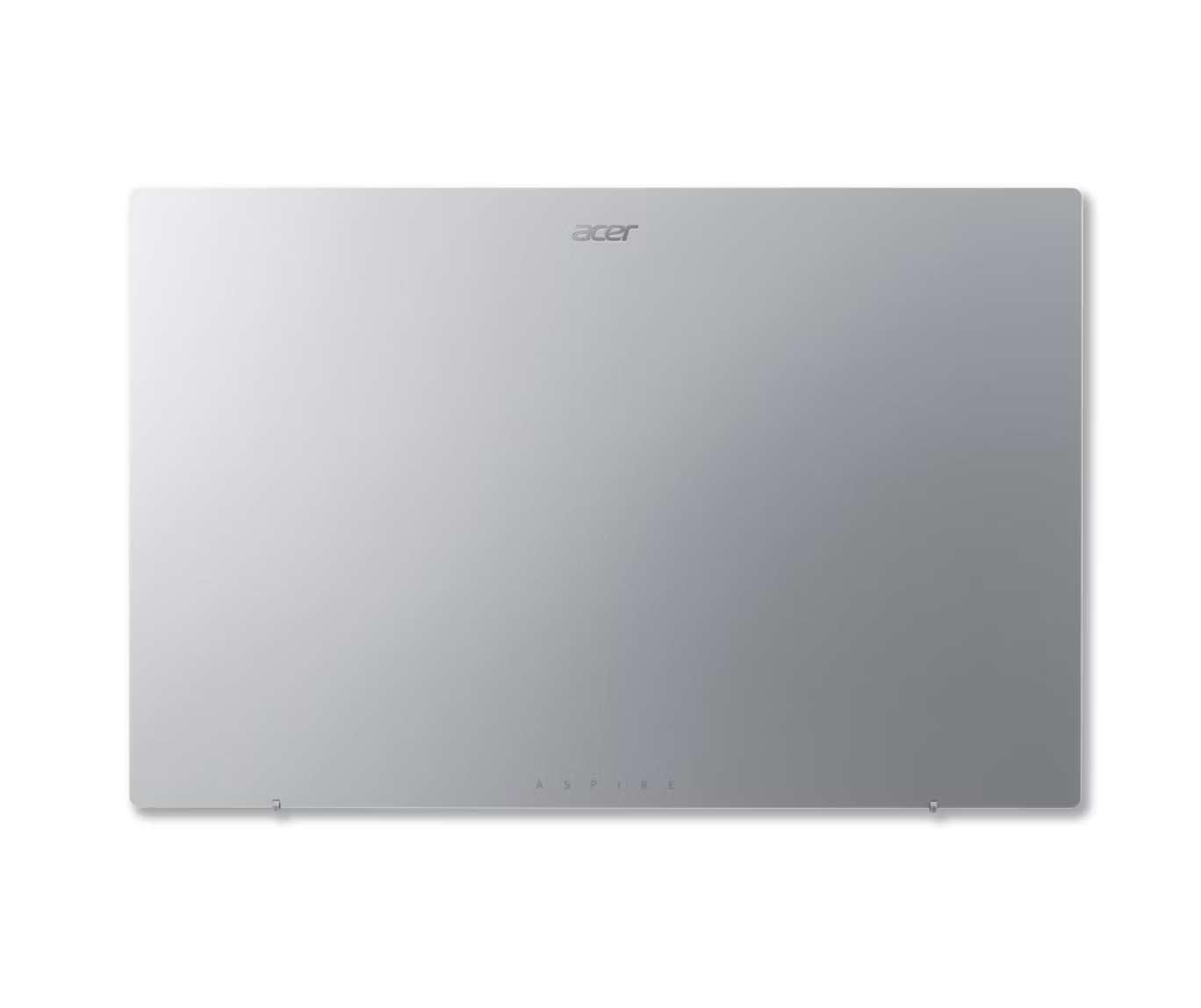
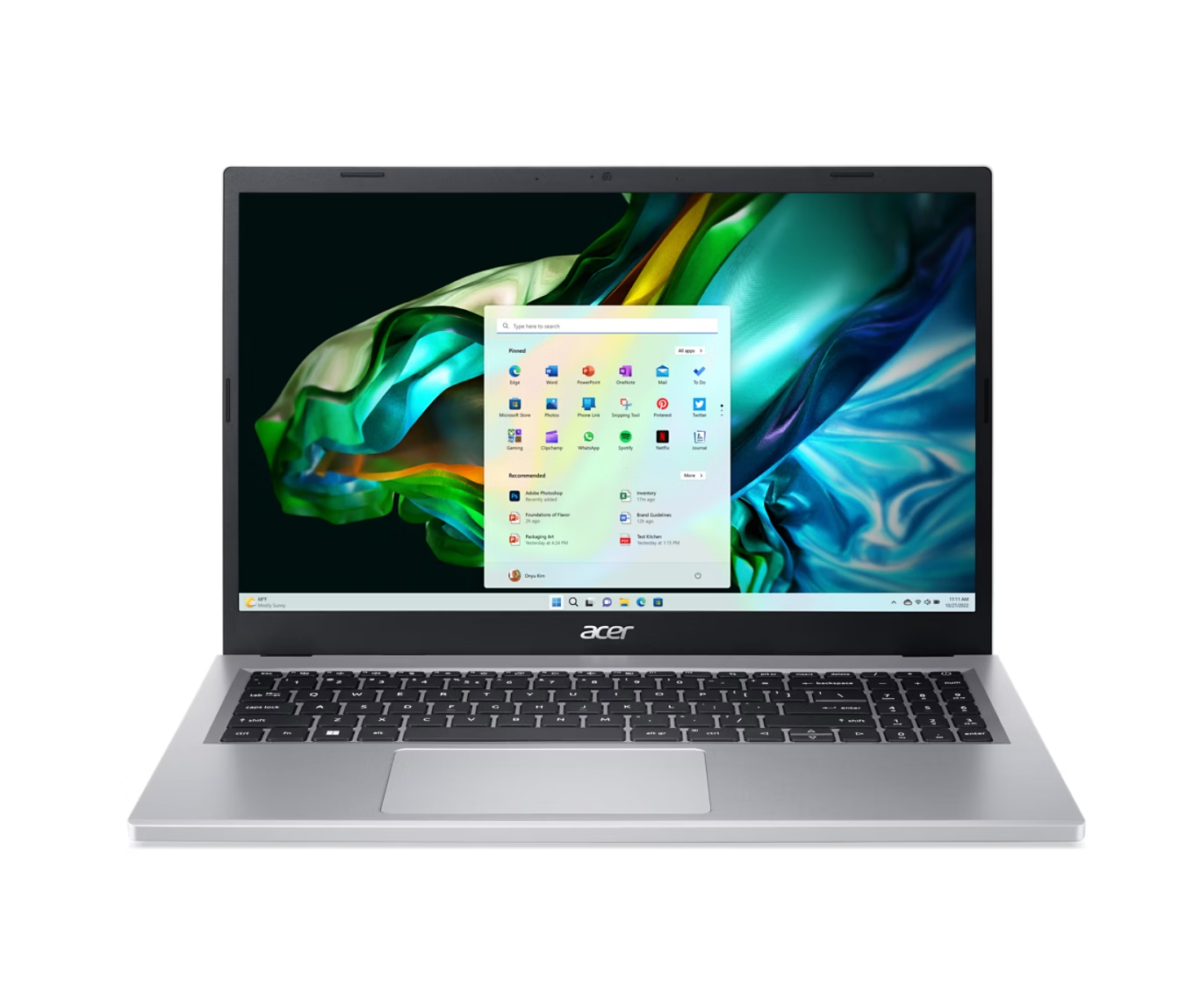
- PCMag still leads with Aspire 3 as a top cheap Windows pick for everyday tasks.
- If base Aspire 3 is not enough, $350 gets you Aspire Go 15 Ryzen 3 / 8 GB RAM / 128 GB storage, while $550 gets you Aspire Go 15 Ryzen 7 / 16 GB RAM / 512 GB storage.
Caution: Skip this if you need premium display quality or sustained heavy creative performance.
MacBook Neo versus Aspire-class Windows under $750
Use this when your hard ceiling is under about $750.
Price zone
MacBook Neo
Aspire 3 / Aspire Go 15
Watch this spec
MacBook Neo
Aspire 3 / Aspire Go 15
Best fit
MacBook Neo
Aspire 3 / Aspire Go 15
| Topic | MacBook Neo | Aspire 3 / Aspire Go 15 |
|---|---|---|
| Price zone | $600 to $700 depending on 256 GB or 512 GB storage. | Around $350 for Aspire 3, up to around $550 for stronger Aspire Go 15 trims. |
| Watch this spec | Memory is fixed at 8 GB. | RAM and SSD vary widely by model listing. |
| Best fit | People who prefer macOS and can work within 8 GB RAM limits. | Buyers prioritizing lower upfront cost and flexible Windows options. |

Use susume to narrow from 2 picks to 1
Open susume to compare your final two models, check owner feedback, and pressure-test fit before checkout.
The best laptops for...
Students · Multitaskers · Family admins · Creators · Gamers · Entertainment fans
Students
Best if you need a reliable laptop for classes, assignments, and daily carry.
- Top picks: MacBook Neo (budget-first) or MacBook Air M4/M5 (safer long-term).
- Why: Wirecutter positions Neo as a lower-cost entry and Air as the better step-up as coursework gets heavier.
- Watch out: buy for year-three workload, not week-one workload.
Multitaskers
Best if you run many browser tabs, docs, and calls every day.
- Top picks: MacBook Air 13-inch (M4) or ThinkPad T14 Gen 5.
- Why: The Verge and Notebookcheck point to strong daily battery/keyboard consistency in this class.
- Watch out: Air ports are limited; T14 display quality varies by panel option.
Family admins
Best if multiple people in the household will share one machine.
- Top picks: Current MacBook Air or Acer Aspire/Swift-class (16 GB).
- Why: CNET keeps Air as a reliable broad-use default and repeatedly points to Acer for budget Windows value.
- Watch out: prioritize warranty terms, RAM, and durability over ultra-thin designs.
Creators
Best if you edit photos/video, design assets, or run long render sessions.
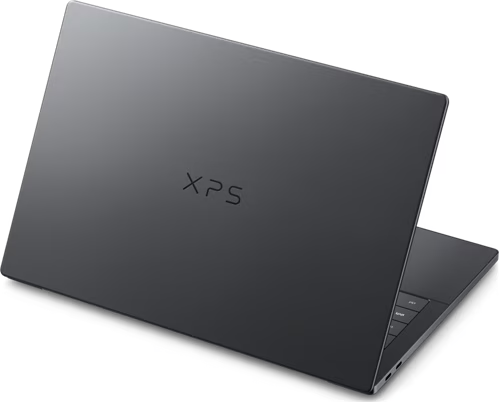
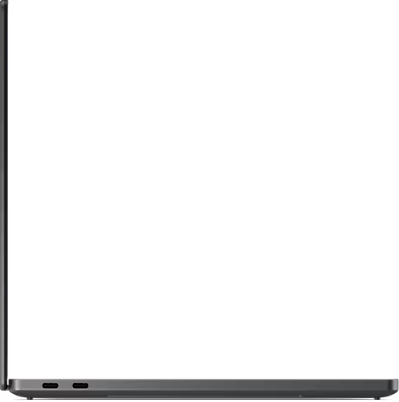
- Top picks: MacBook Pro 14-inch (M5 class) or Dell XPS 14 OLED. See the visual cards below for photos and current buy links.
- Why: Wirecutter moves heavier creative workflows to the 14-inch Pro; XPS 14 OLED remains a common premium Windows alternative.
- Watch out: thin premium chassis can run hotter and louder under long renders.
Pick #1
Apple
MacBook Pro 14-inch (M5 class)
Creator-first Mac choice when you need sustained export and editing performance.
From ~$1600
Best For Creators
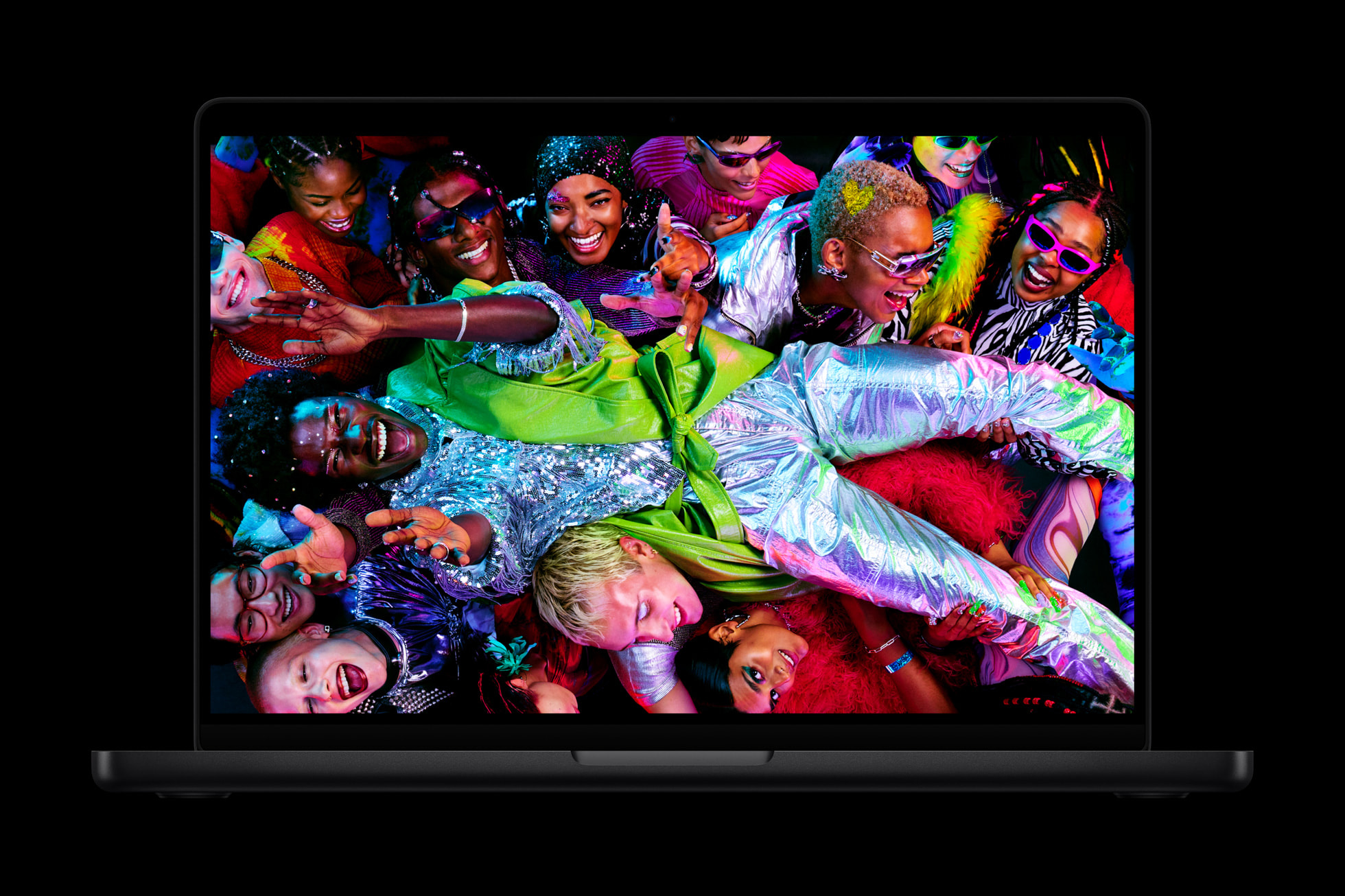
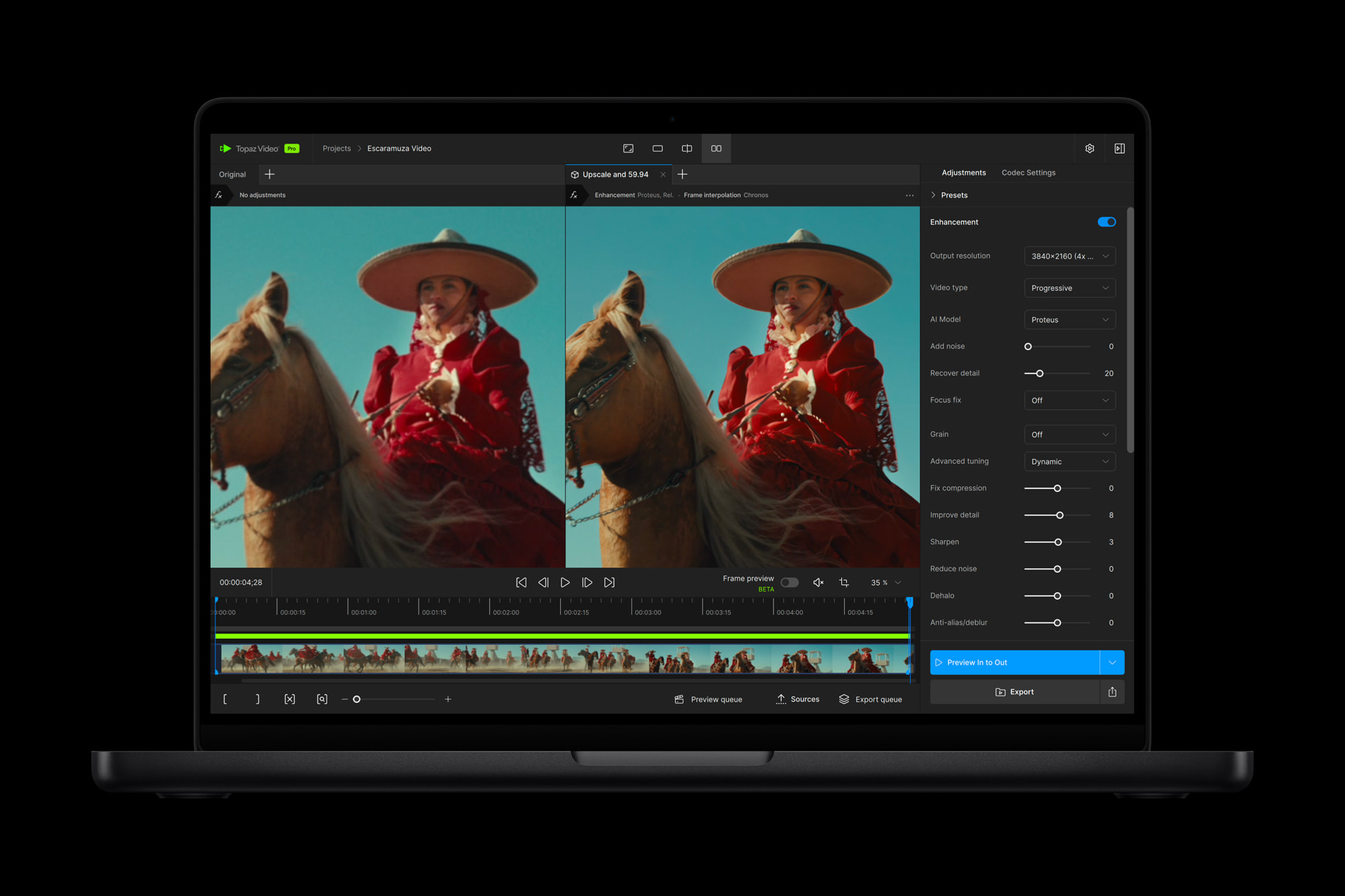
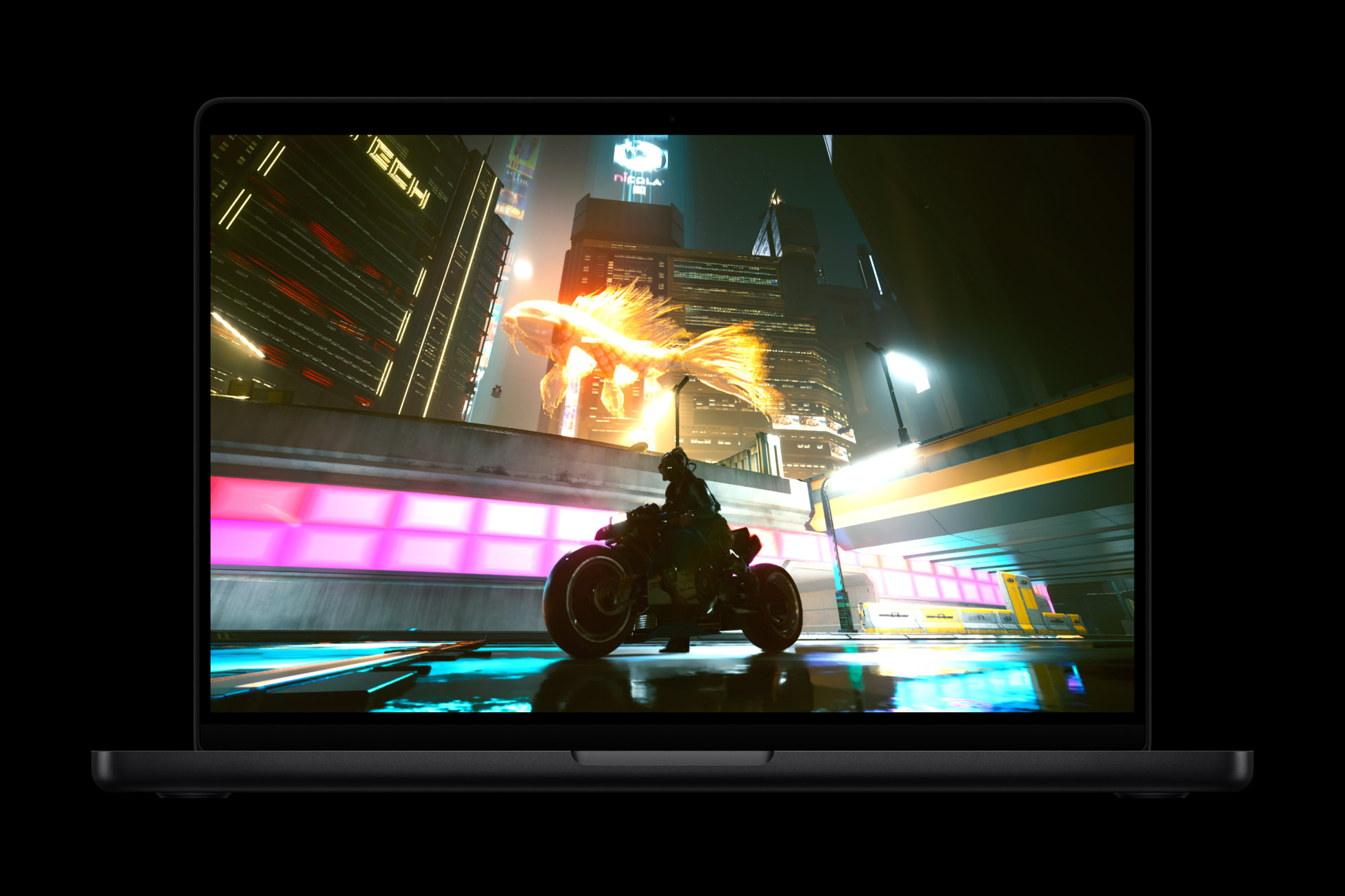

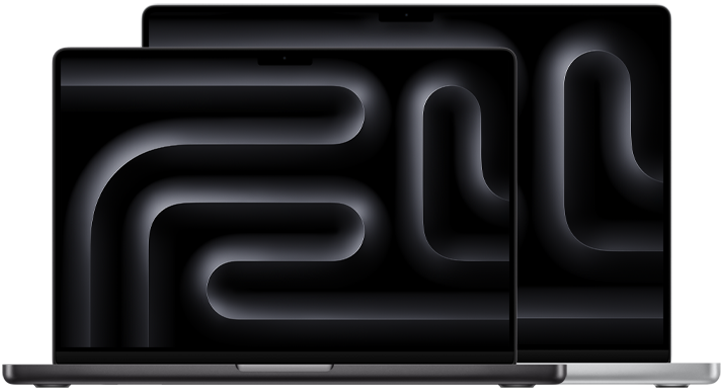
- Amazon listing for this pick: MacBook Pro 14-inch (M5).
Pick #2
Dell
Dell XPS 14 (2026, OLED config)
Premium Windows creator alternative with an OLED-focused visual experience.
From ~$1500
Windows Creator Pick
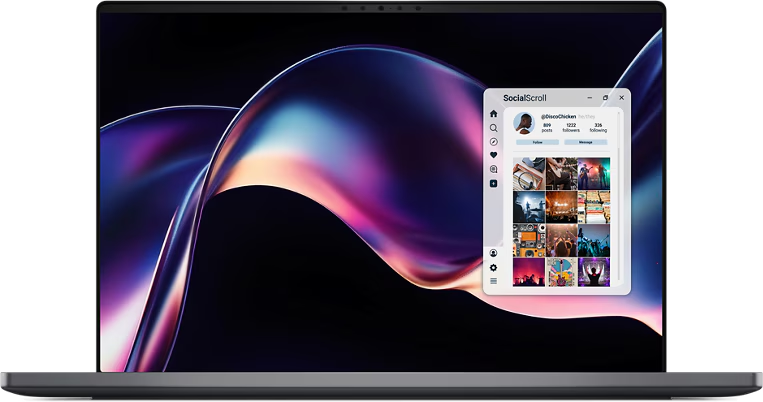
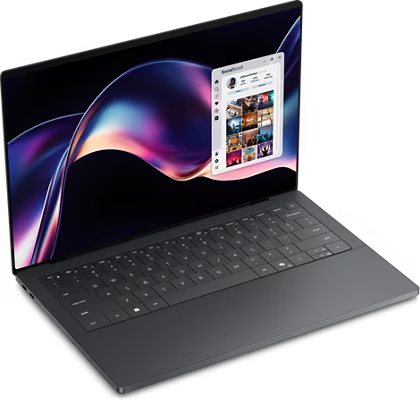
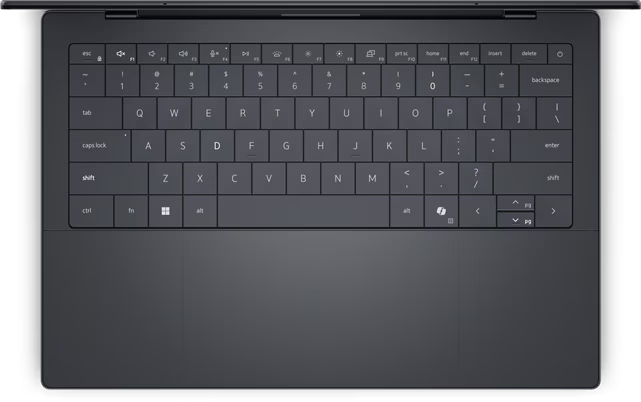
Gamers
Best if frame rate matters more than battery life.
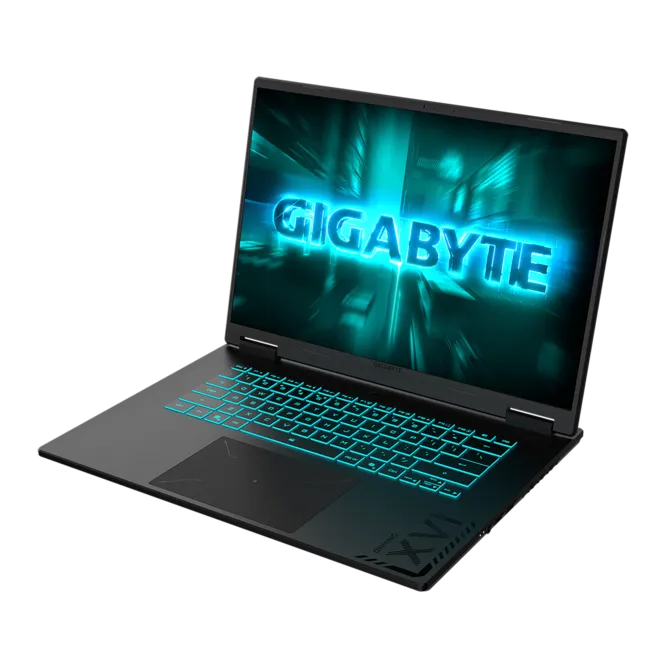
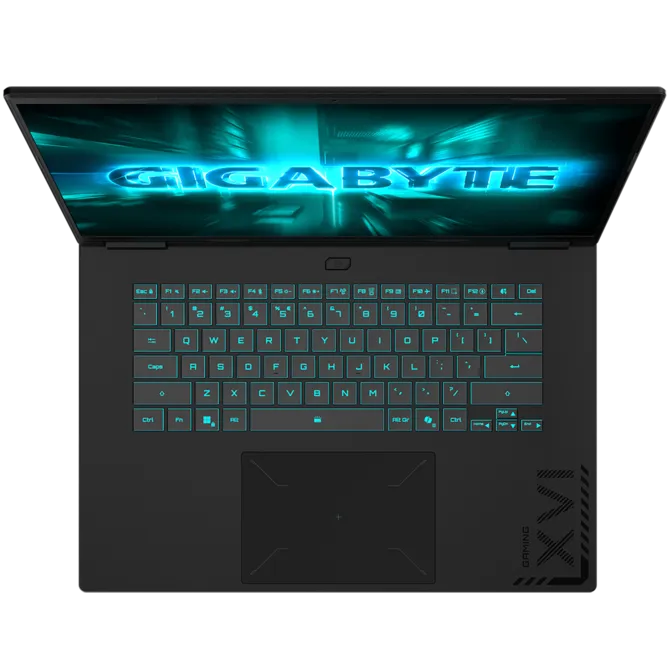
- Top picks: Gigabyte Gaming A16 (RTX 5060) or Asus ROG Strix G16. See the visual cards below for photos and current buy links.
- Why: Wirecutter and PCMag place these in the practical value-to-performance range.
- Watch out: expect shorter battery life and louder fans under load.
Pick #1
Gigabyte
Gigabyte Gaming A16 (RTX 5060)
Value-oriented gaming pick that prioritizes frame rate for the money.
From ~$1100
Best For Gamers

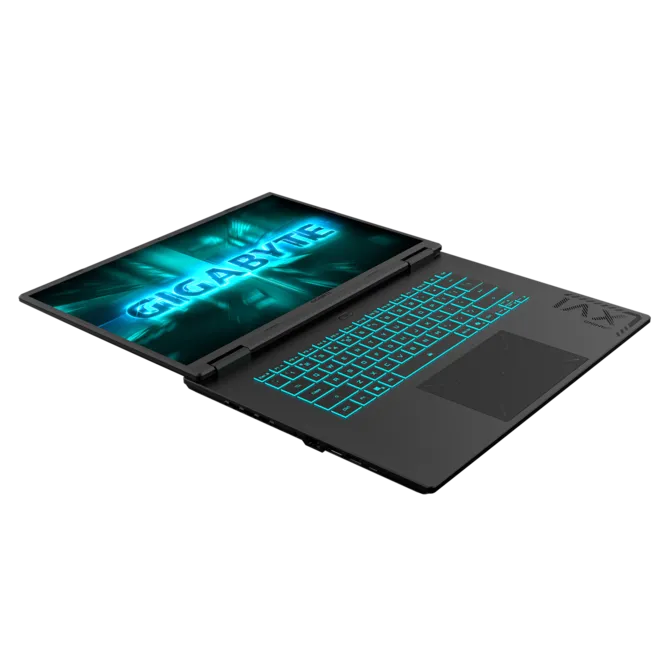
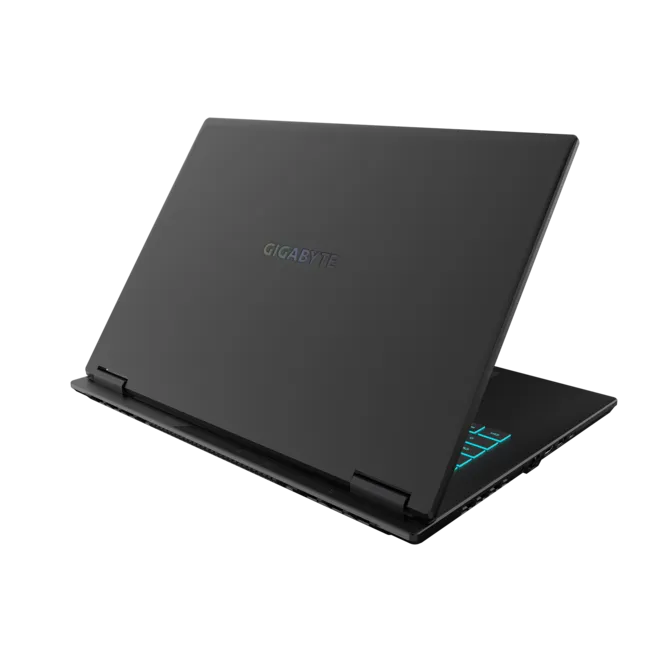
- Variant links: Gigabyte A16 (Ryzen) and Gigabyte A16 (Intel).
Pick #2
Asus
ROG Strix G16
Performance-heavy option for players who can tolerate extra size and fan noise.
From ~$1300
High Performance Gamer
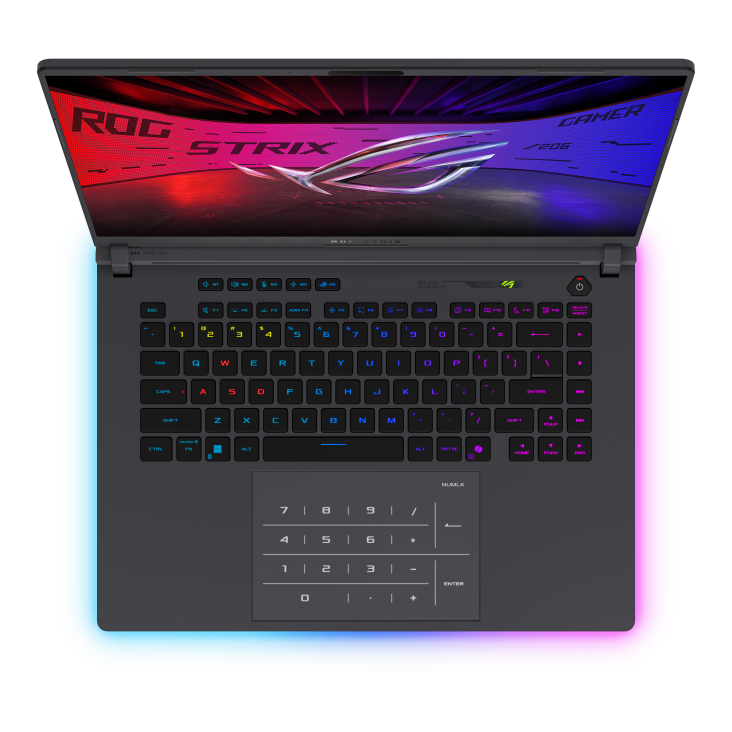
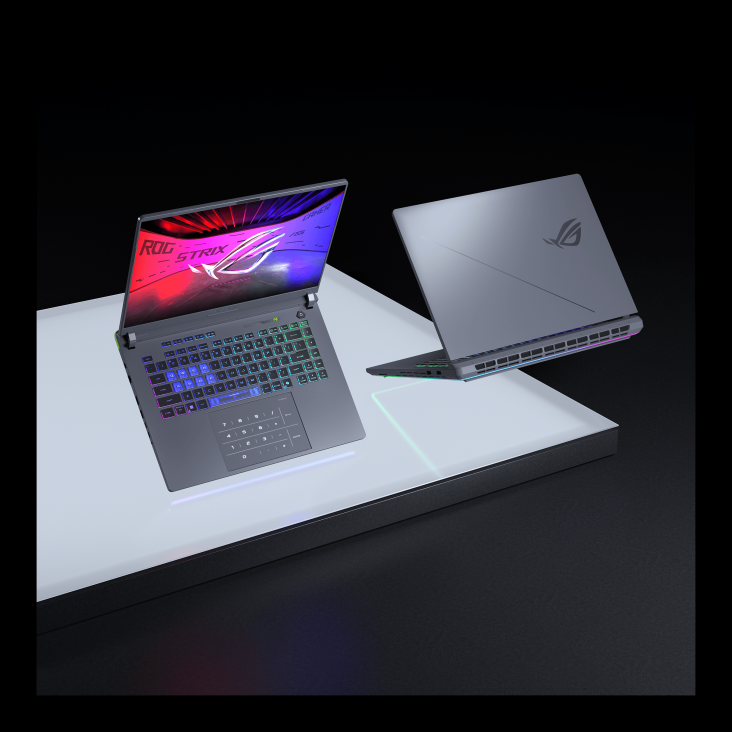
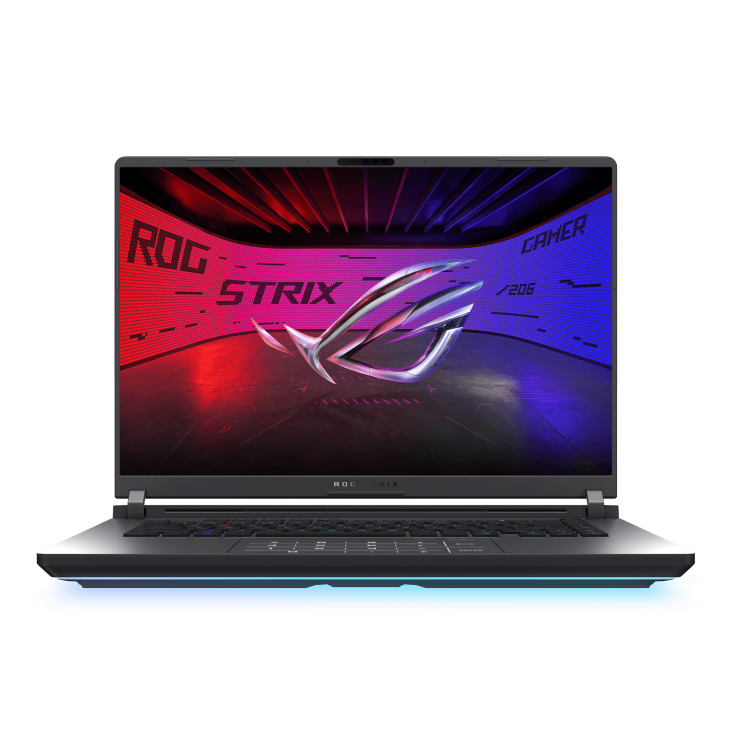
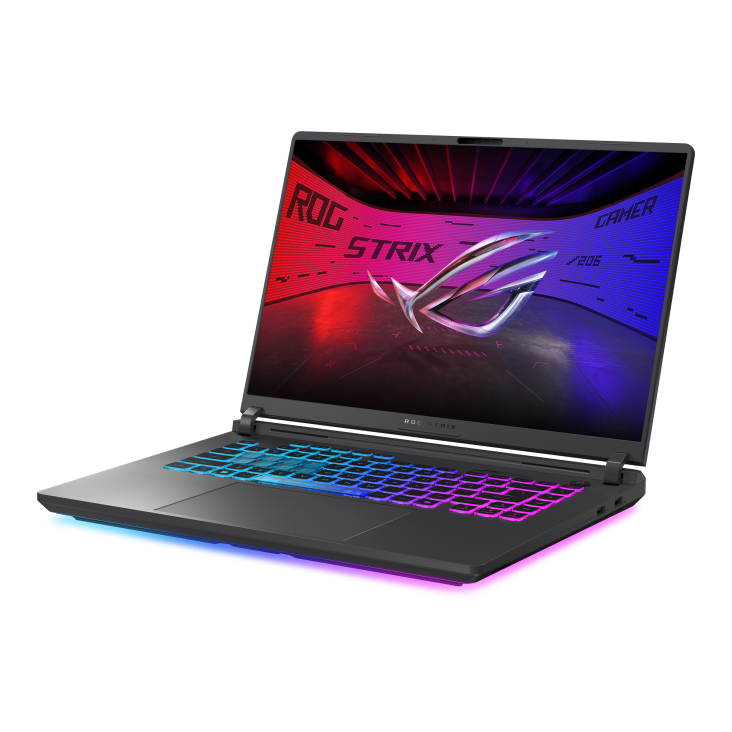
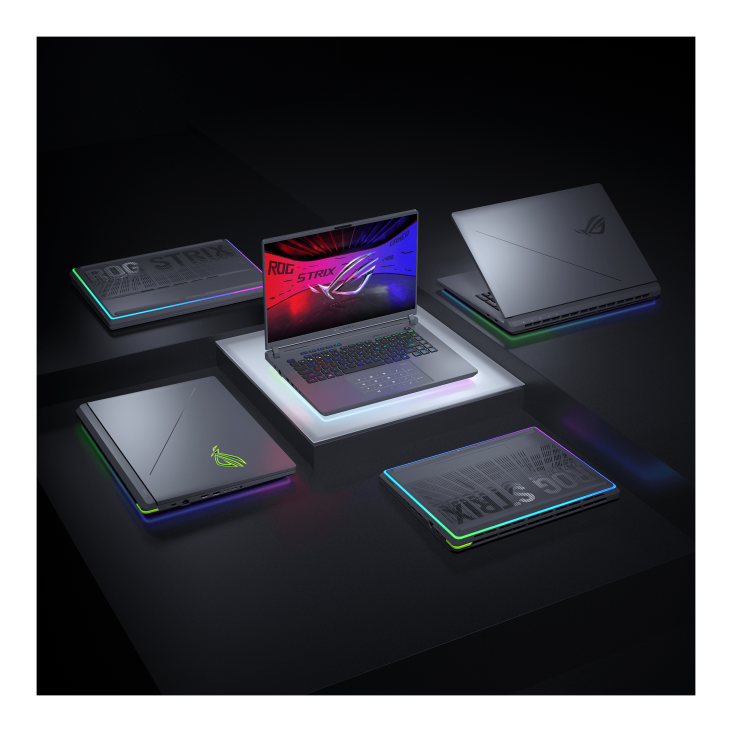
- Amazon listing for this pick: ROG Strix G16 (RTX 5060).
Entertainment
Best if you mainly stream video, browse, and do light app use.
- Top picks: MacBook Air 15-inch (M5) or MacBook Air 13-inch if you mostly watch on TV.
- Why: CNET and Wired highlight this class for large-screen comfort and balanced daily use.
- Watch out: if your main screen is the living-room TV, save money with a 13-inch model plus cable.
Laptop buying FAQ (2026)
- Best laptop under $750: in our current shortlist, MacBook Neo is the budget Mac pick and Acer Aspire 3 / Aspire Go 15 variants are budget Windows picks.
- MacBook Neo or MacBook Air: choose MacBook Neo for lower upfront price. Choose MacBook Air for more long-term headroom and fewer compromises.
- How much RAM should I buy in 2026? For most buyers, 16 GB is the safer baseline. Buy 8 GB only for clearly light workloads.
- When should I avoid budget models? If you run heavy creative apps, VMs, or long multi-app sessions daily, start from the overall recommendations.

Get new buying guides by email
Thanks for reading!